![Sonio-logo-samsung-1 1-1.png]](https://lp.sonio.ai/hs-fs/hubfs/Sonio-logo-samsung-1%201-1.png?height=40&name=Sonio-logo-samsung-1%201-1.png)
Click the "Preview and download PDF" button on the report page.
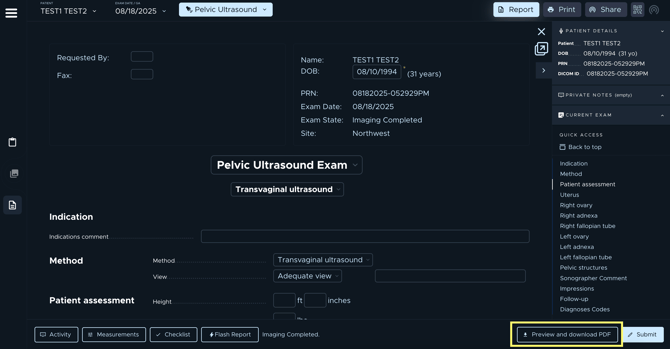
The preview window will open, displaying your exam pdf.
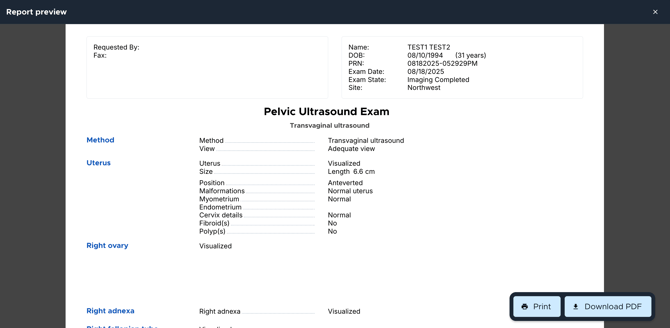
The PDF report updates in real time as you fill out the report, allowing you to preview the most current version at any moment.
To select and display the performing clinician and reading provider on the report, you must submit the completed report.