![Sonio-logo-samsung-1 1-1.png]](https://lp.sonio.ai/hs-fs/hubfs/Sonio-logo-samsung-1%201-1.png?height=40&name=Sonio-logo-samsung-1%201-1.png)
How it works
Each exam type comes with its own set of checklist items, grouped by anatomy section, based on the guidelines configured for that exam type.
Items are either:
- Expected (part of the protocol). Expected items default to Non visualized, unless otherwise determined by your practice.
- Optional. Optional items default to Not applicable and stay hidden from the report until you assign them a status.
The status you set on each item is what appears in the report.
Step-by-step: documenting anatomical structures
- On the report page, click Anatomy in the bottom bar.

- Pick a group (or use All items) to find a structure.
- Set an item's status by clicking its status block.
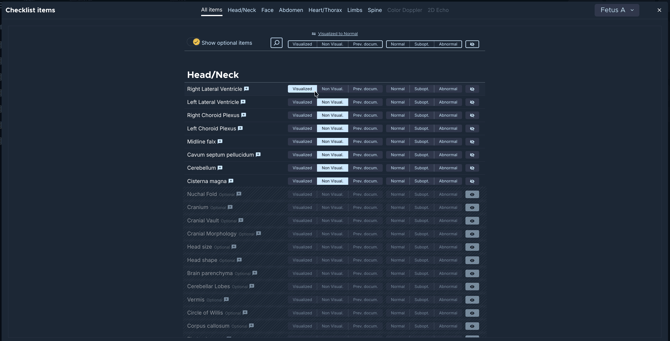
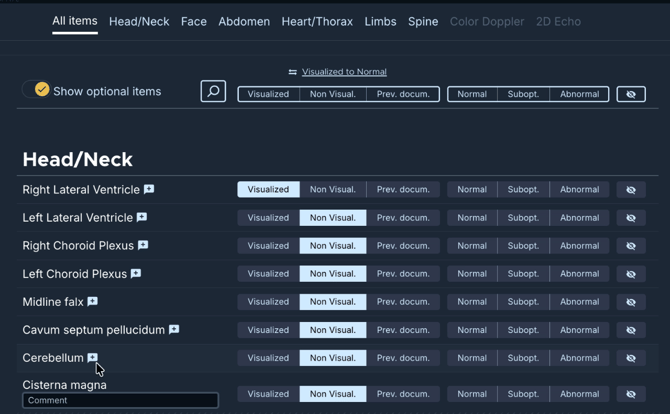
- To add a note, click the comment field on an item and type. The comment appears with the item on the report.
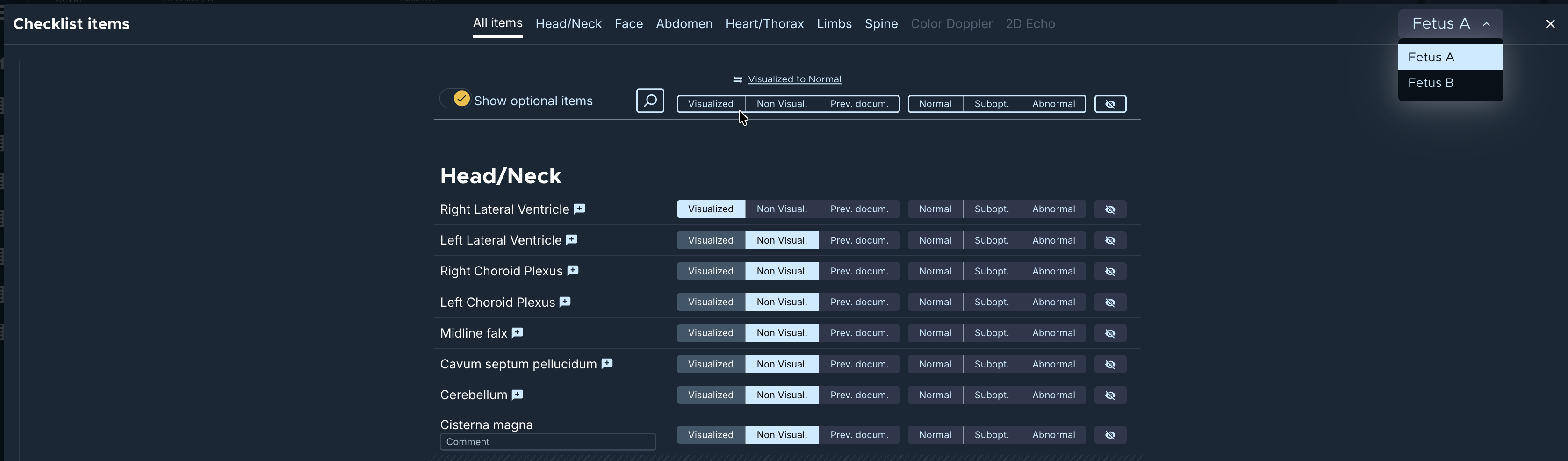
- You can document the anatomical structures for multi-fetal pregnancies toggling between fetuses on the dropdown at the top of your screen.

💡Tips
- Bulk-assign a group: use the status buttons in the quick-actions bar at the top to set every item in the current group at once (for example mark all as Normal, then correct the exceptions). Switch buttons such as "Visualized to Normal" are also there.
- Search: click the magnifier to filter items by name.
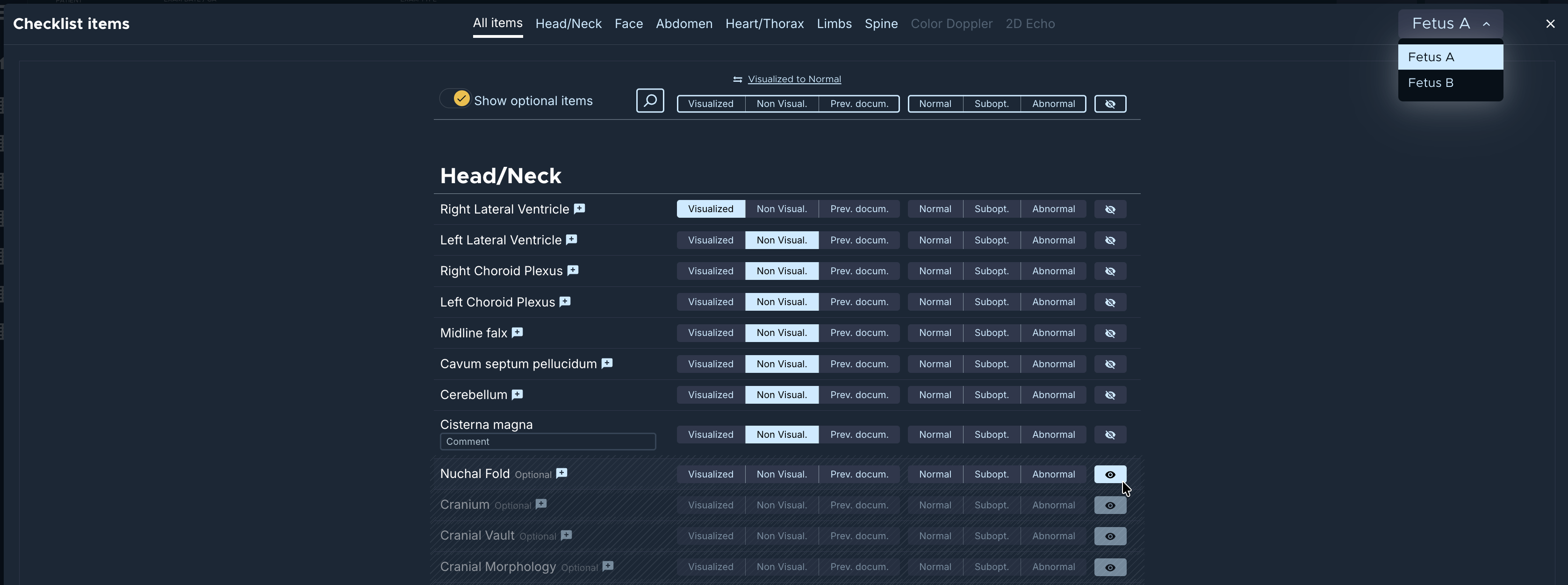
- Show optional items: toggle Show optional items to show/hide optional structures.
- Keep an item off the report: set it to Not applicable (the eye / eye-off icon). Not-applicable items do not appear on the report.
- Apply AI suggestions: if your site uses AI structure detection, the "Apply AI suggestions" button pre-fills statuses from the detected views (you can still adjust them).
Common questions / troubleshooting
Why do all expected items start as Non visualized?
That is the default. Mark the ones you visualized, and use the bulk quick-actions to set a whole group quickly.
Where are the optional structures?
They are hidden by default. Turn on Show optional items to see them.
How do I keep a structure off the report?
Set it to Not applicable using the eye-off icon. It stays in the checklist but does not print on the report.
Can I change which structures are expected or optional?
The expected and optional set is configured per exam type by your admin, based on the guideline.